Barry
Hyper-local weather, for when you need to know exactly what's happening near you.
Barry is in TestFlight with a small group of pilots. Write for an invite: [email protected]
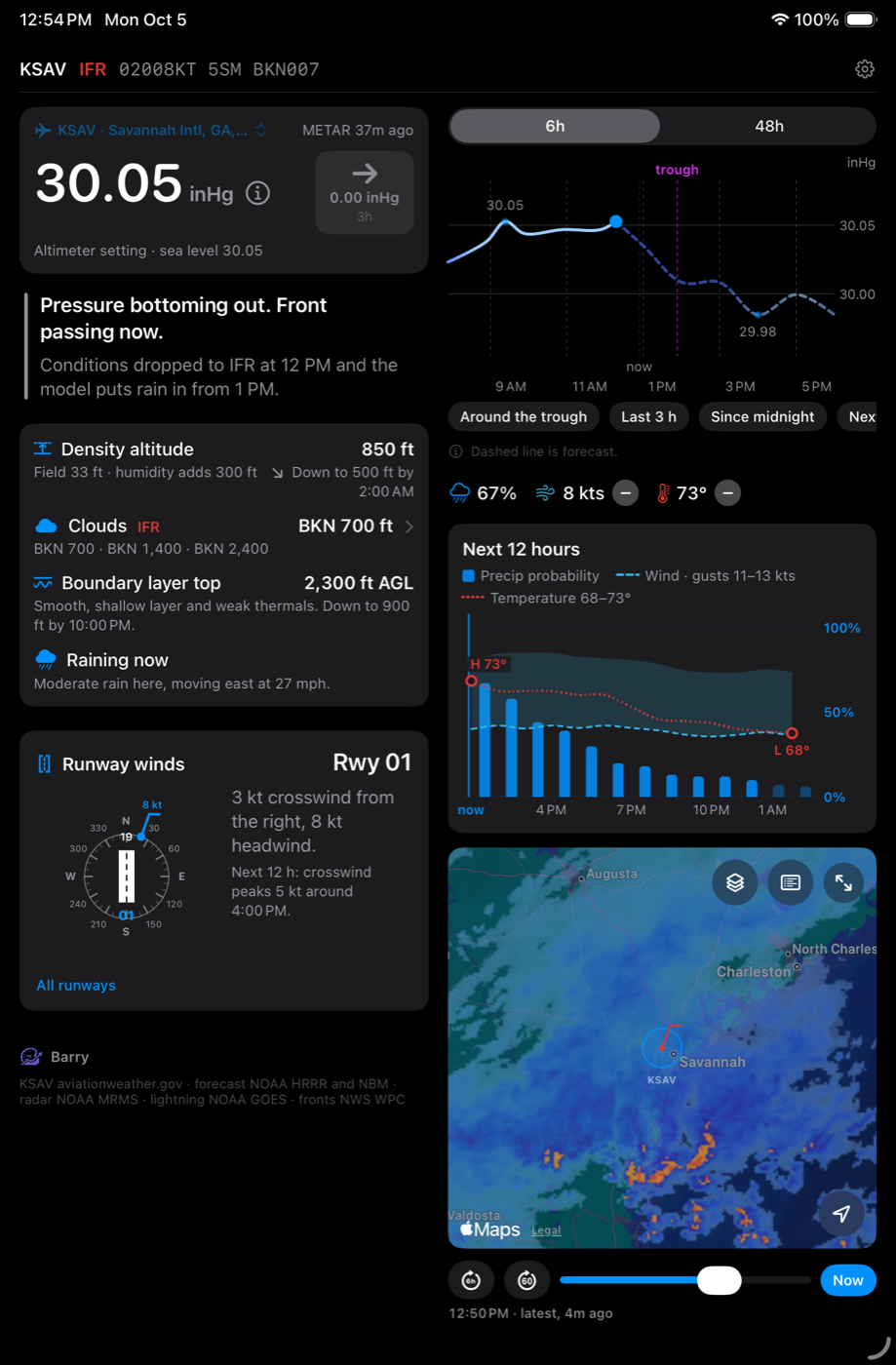
See it coming
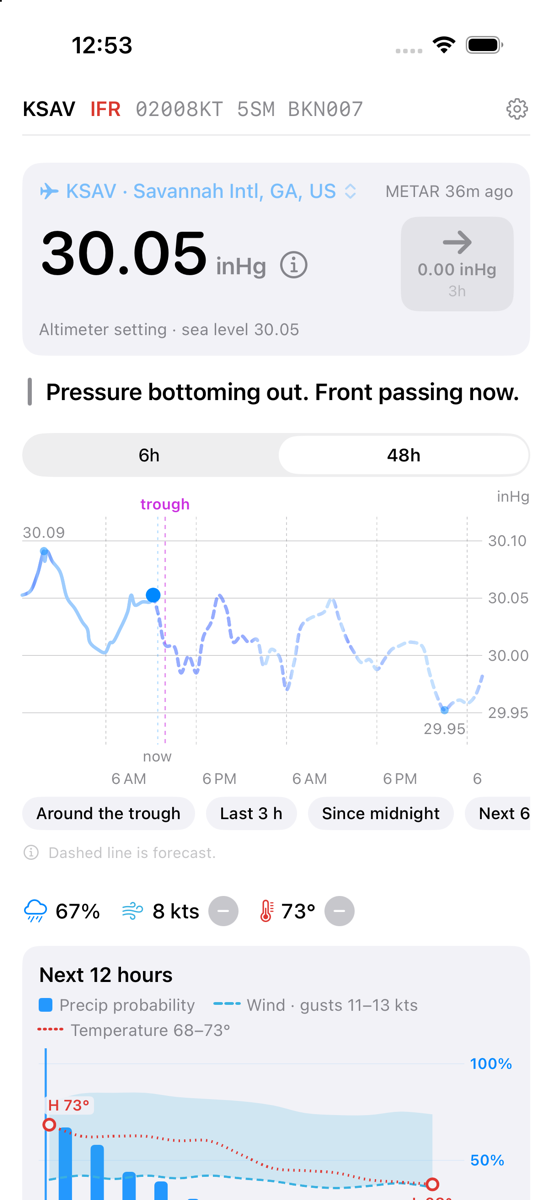
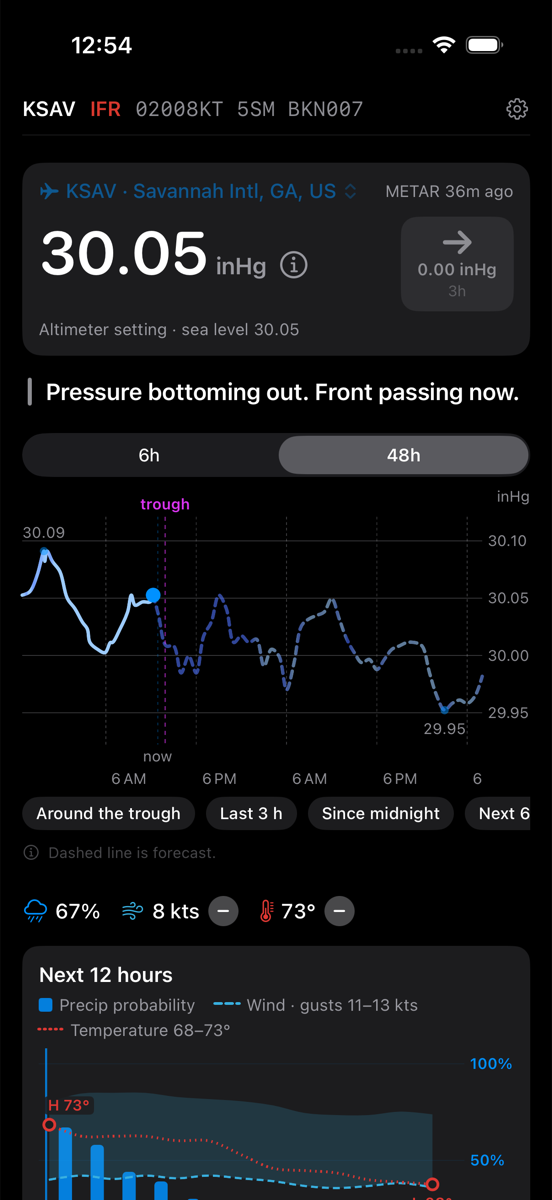
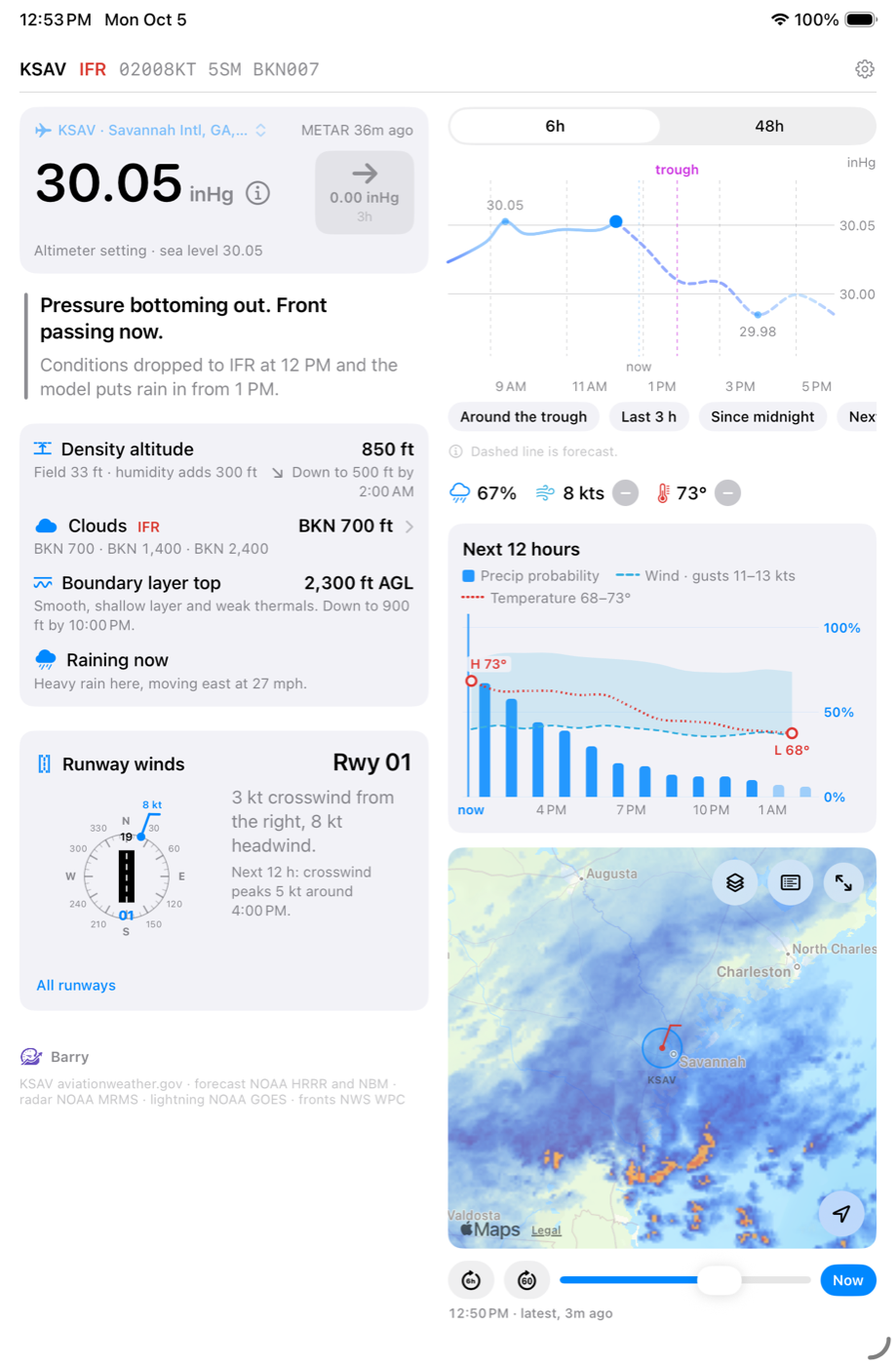
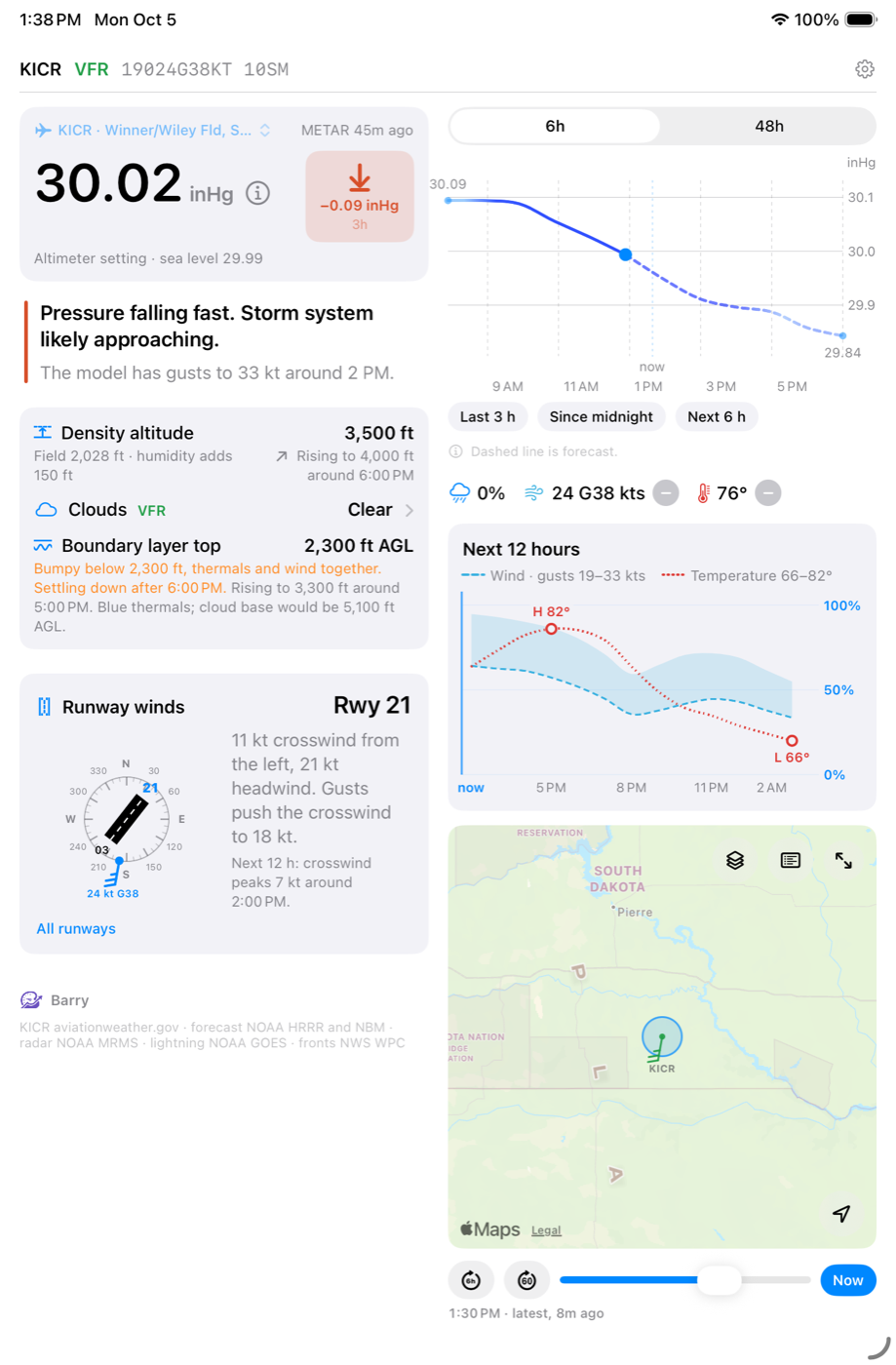
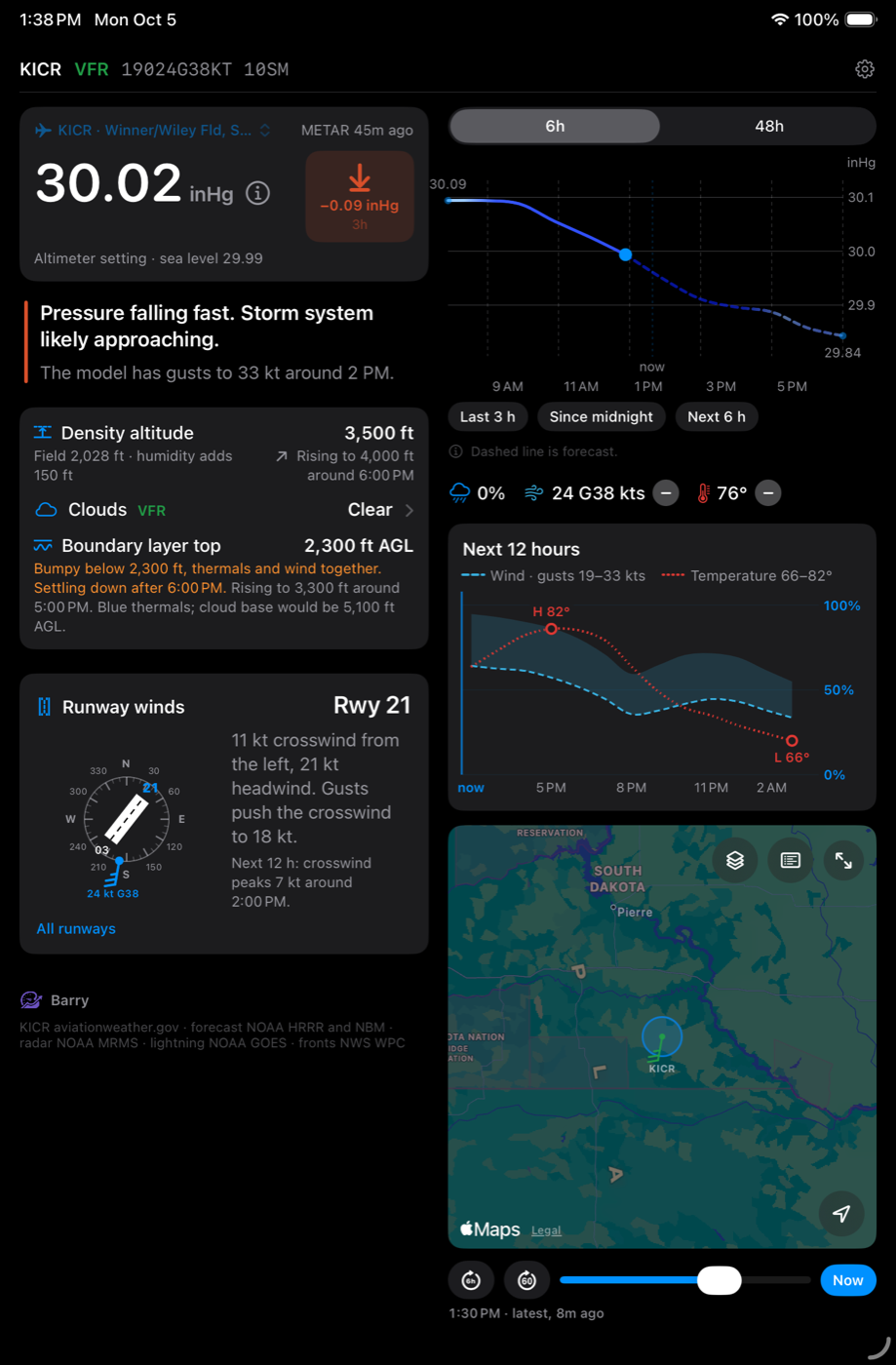
See when the weather will reach you and how hard it will hit. The barometer has been a forecasting tool for centuries because it works. When pressure falls, something is coming, and the faster it falls, the stronger it will be. Barry reads the last three hours at the station nearest you and puts it in a sentence, so you can make the call on what's happening where you are. Line the pressure chart up with the radar forecast to see what's moving in and when.
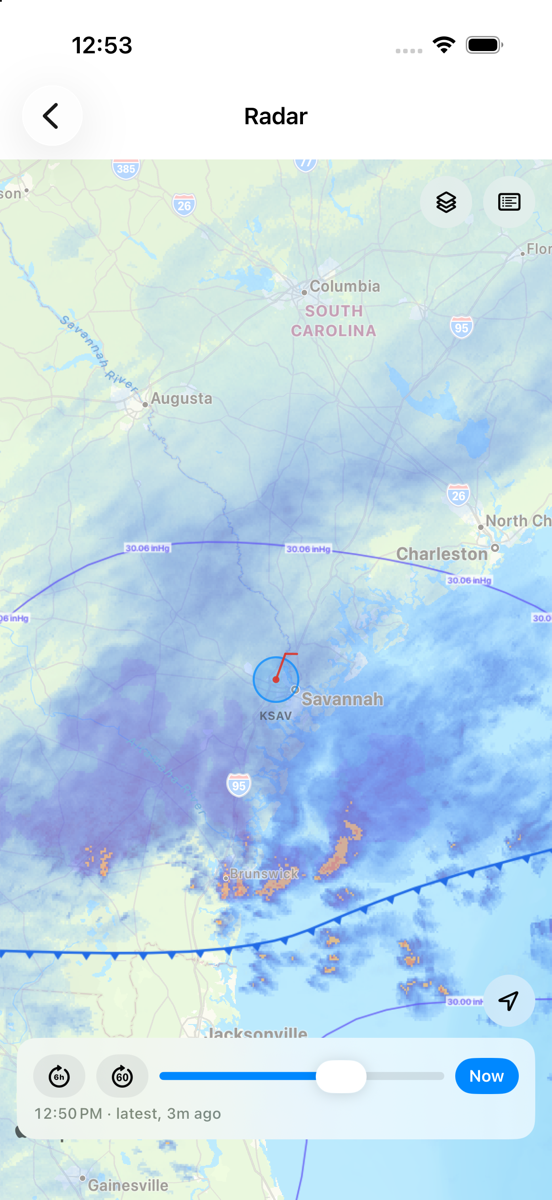
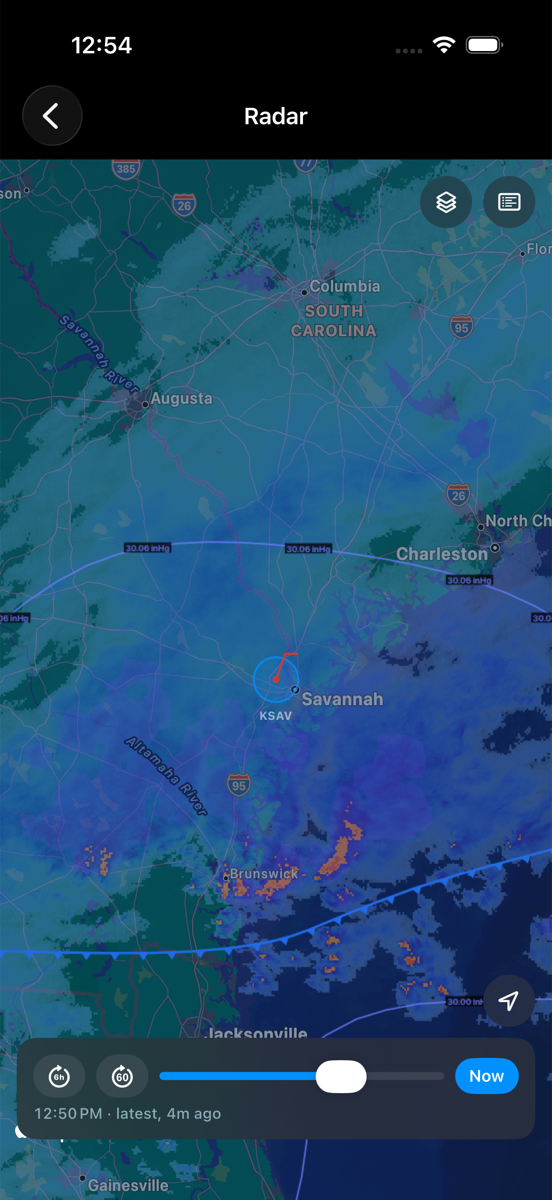
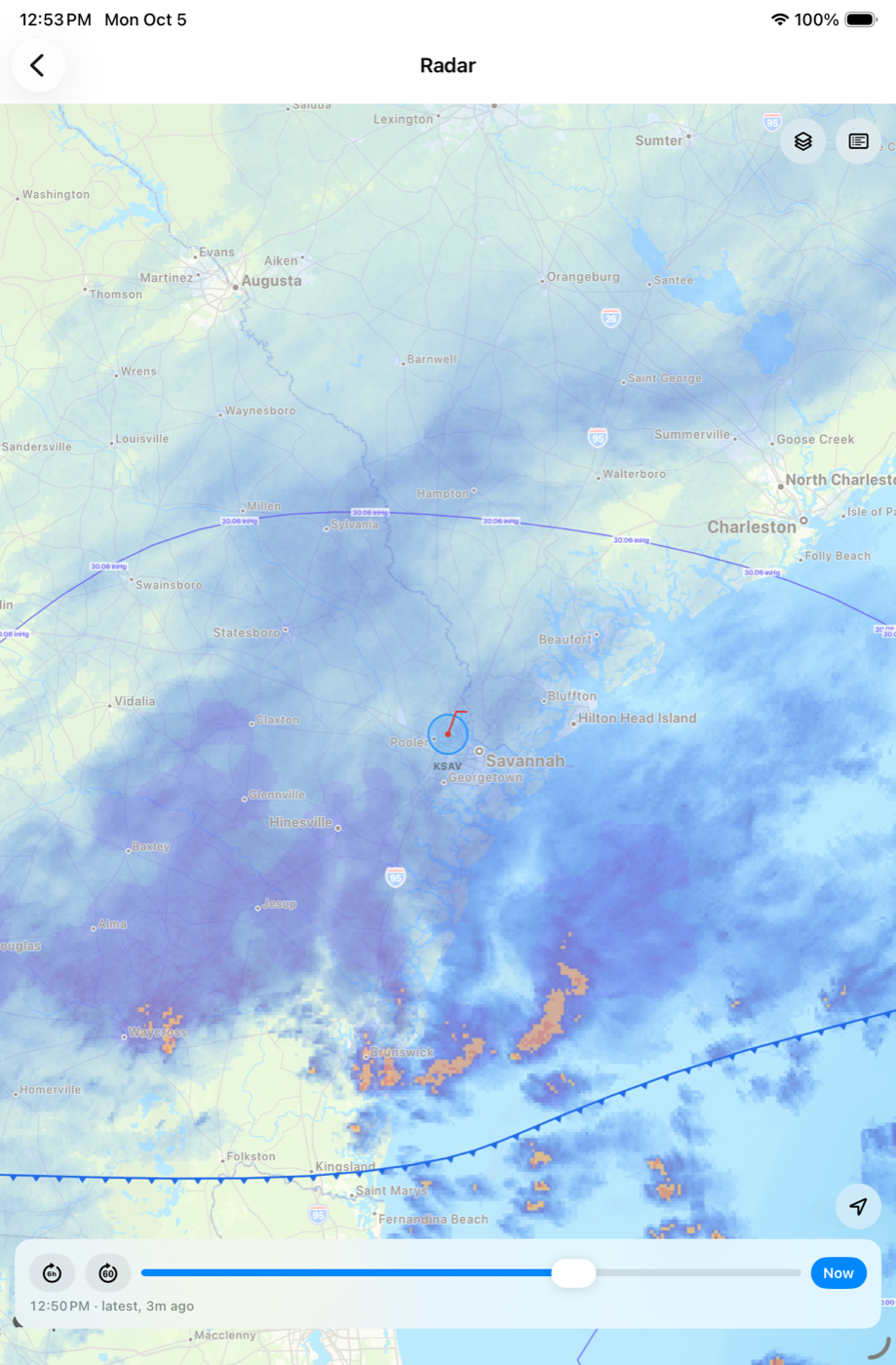
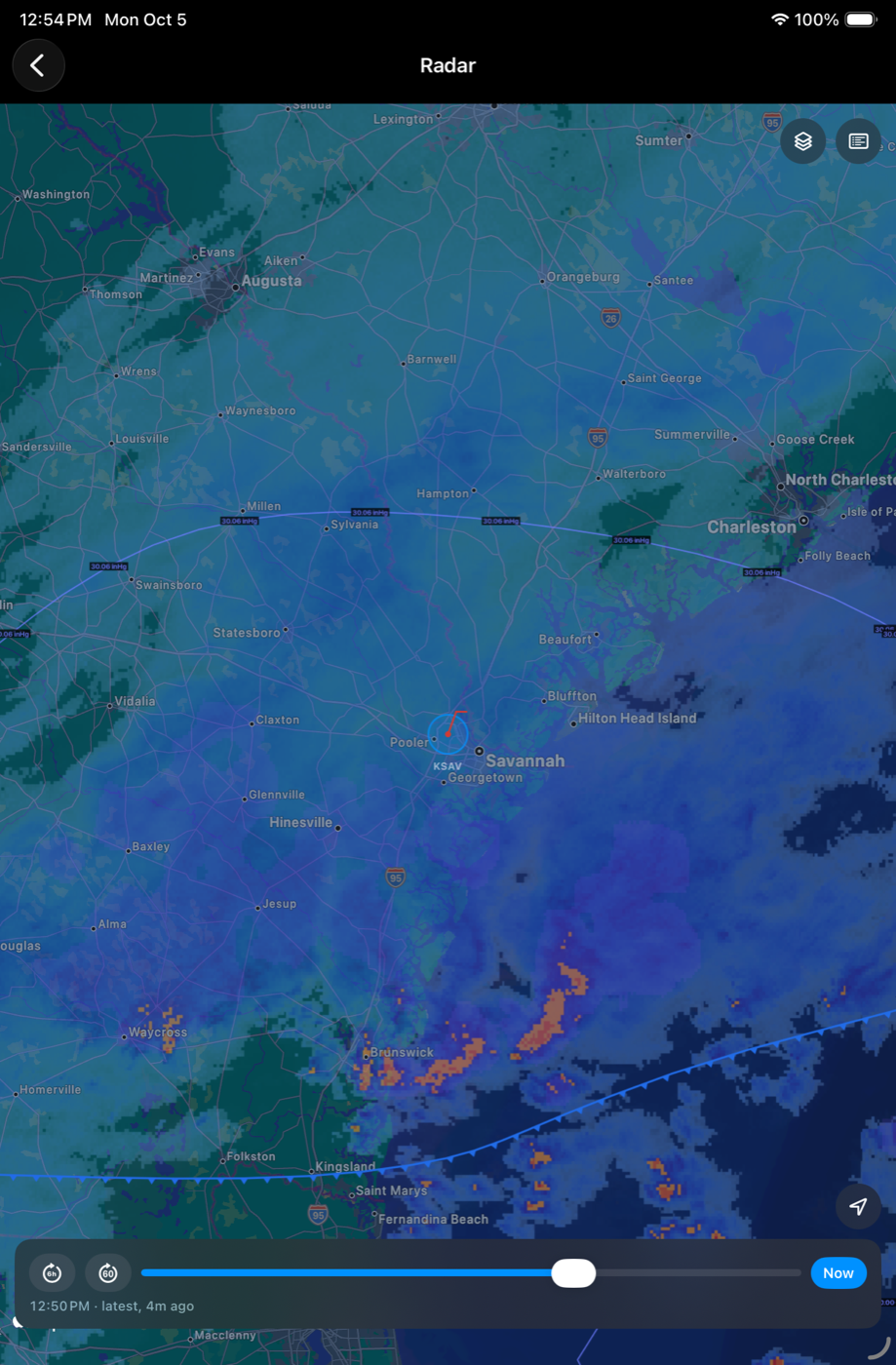
A radar you make your own
Start with the radar and add what you want to see: fronts, pressure lines, wind, lightning, station reports. Most weather apps stop at the rain. Barry also shows the front it's riding on and the pressure behind it, and those tell you where weather is forming and where it's headed. Play back the last six hours, then run the forecast up to twelve hours ahead.
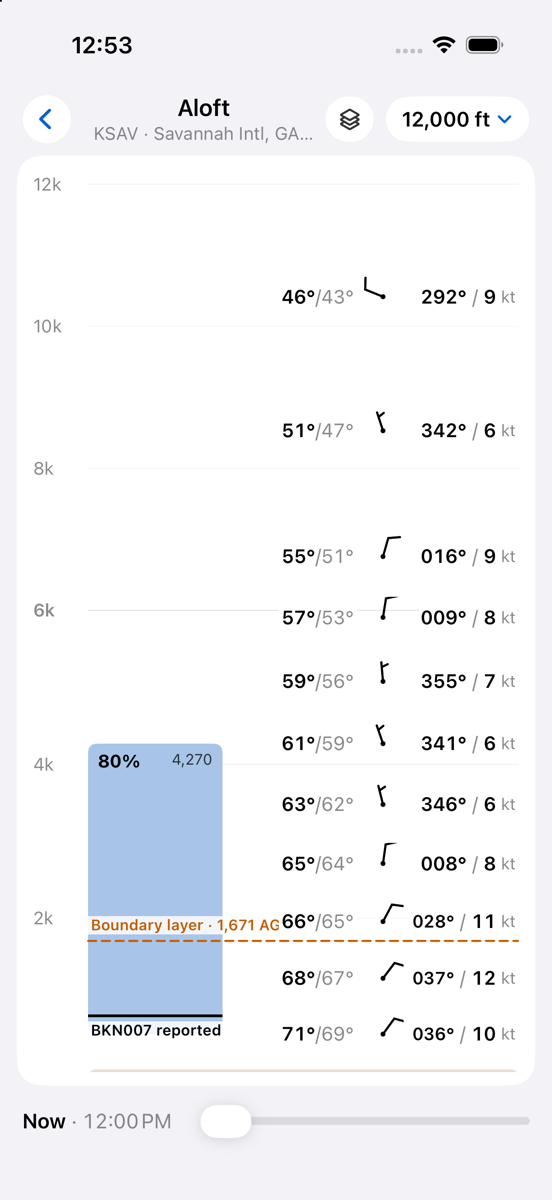
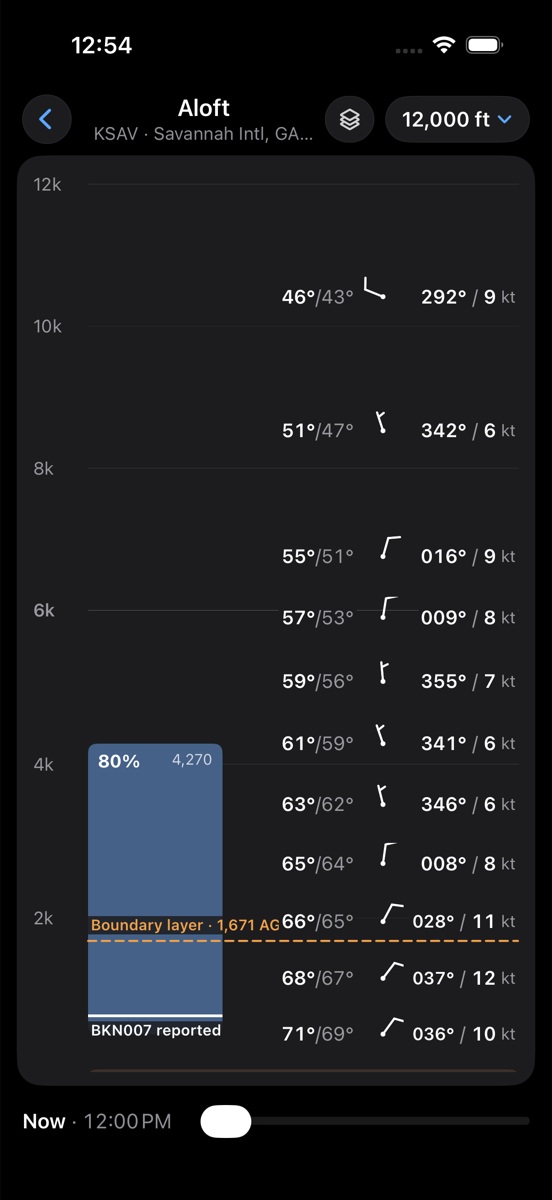
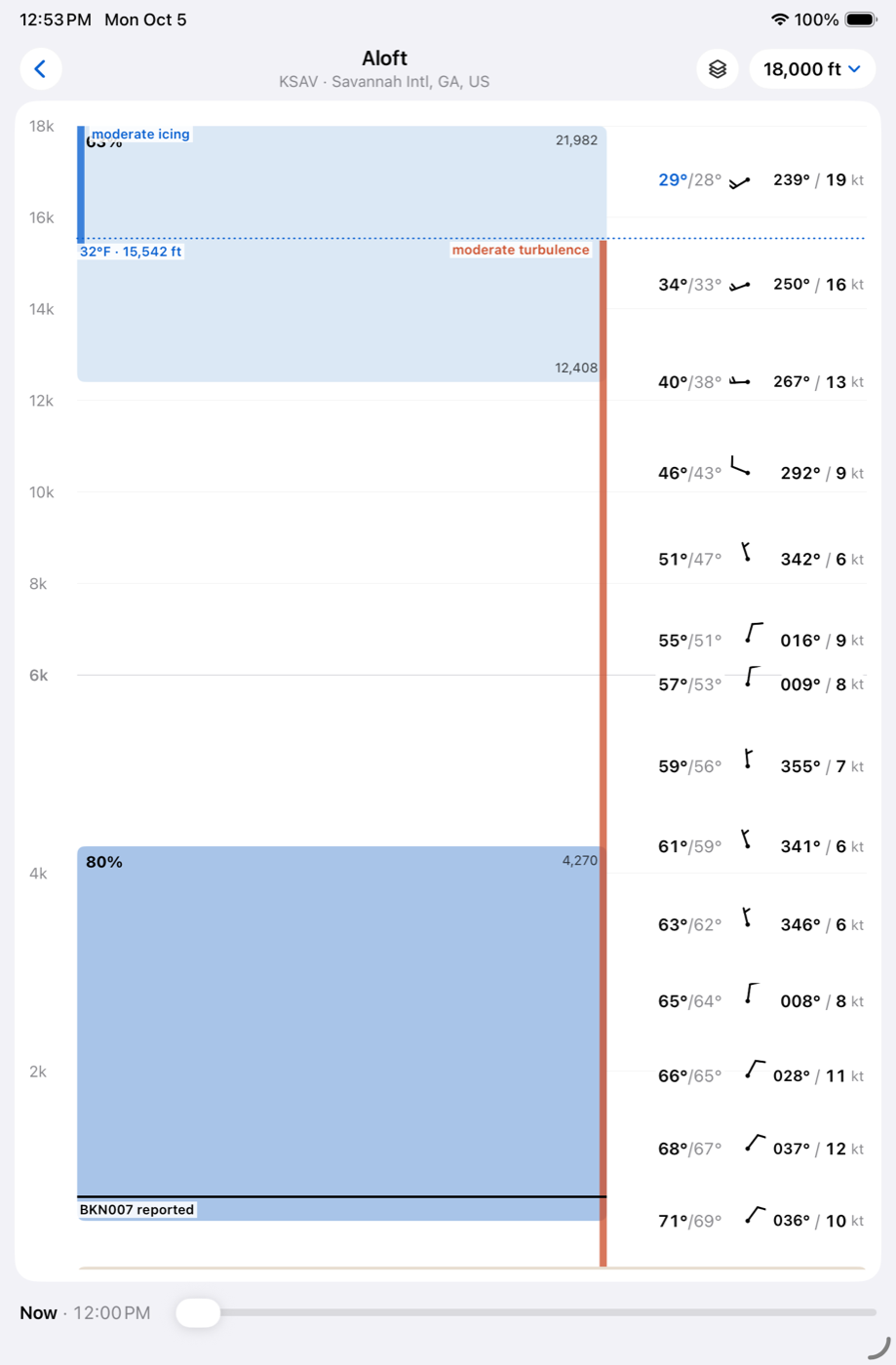
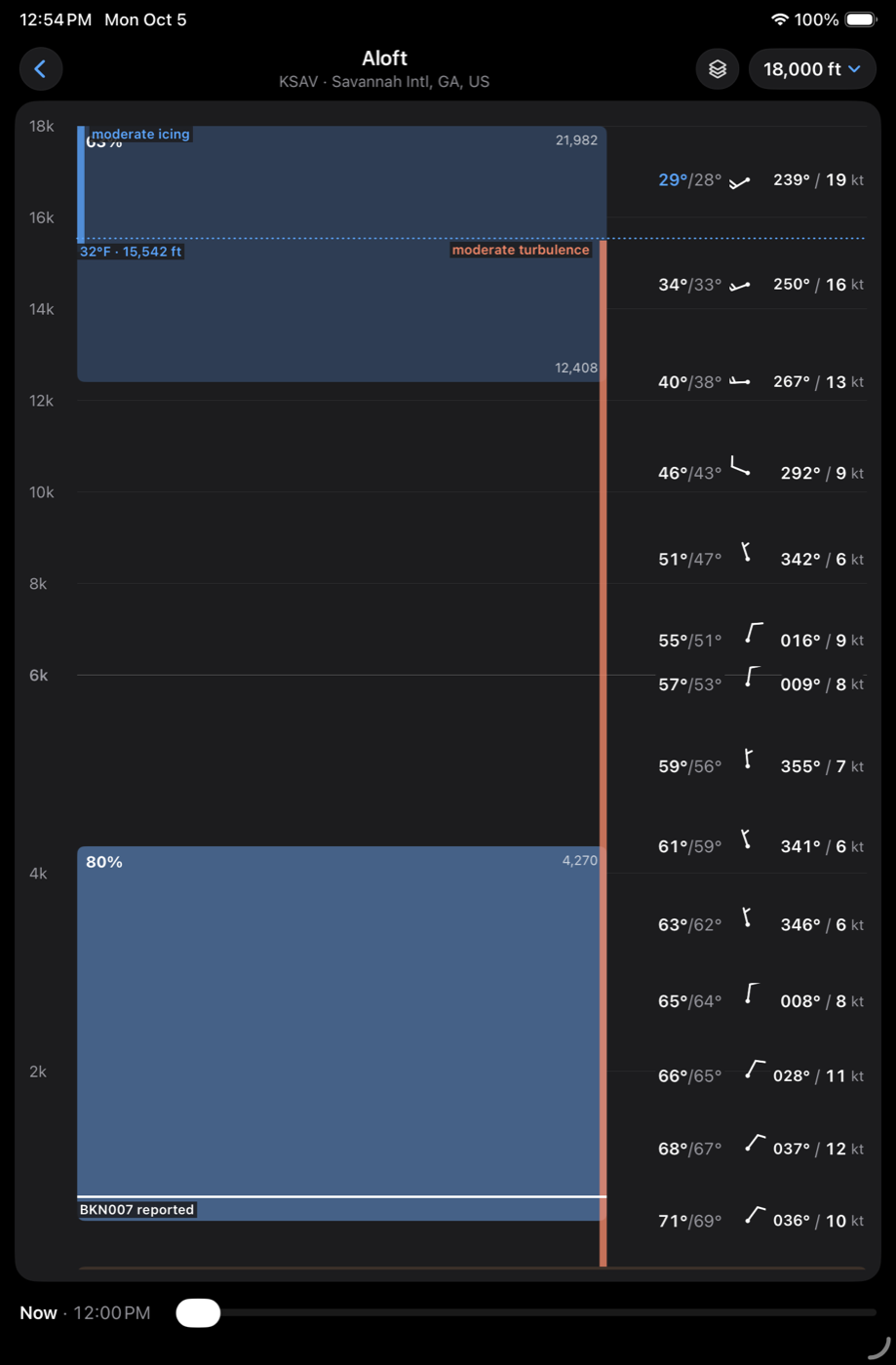
Pick your altitude
See the clouds, winds and temperatures at every altitude over your field, with icing and turbulence marked. Find the bases and tops, and the altitude with the better wind and the smoother ride, before you go.
Check the crosswind
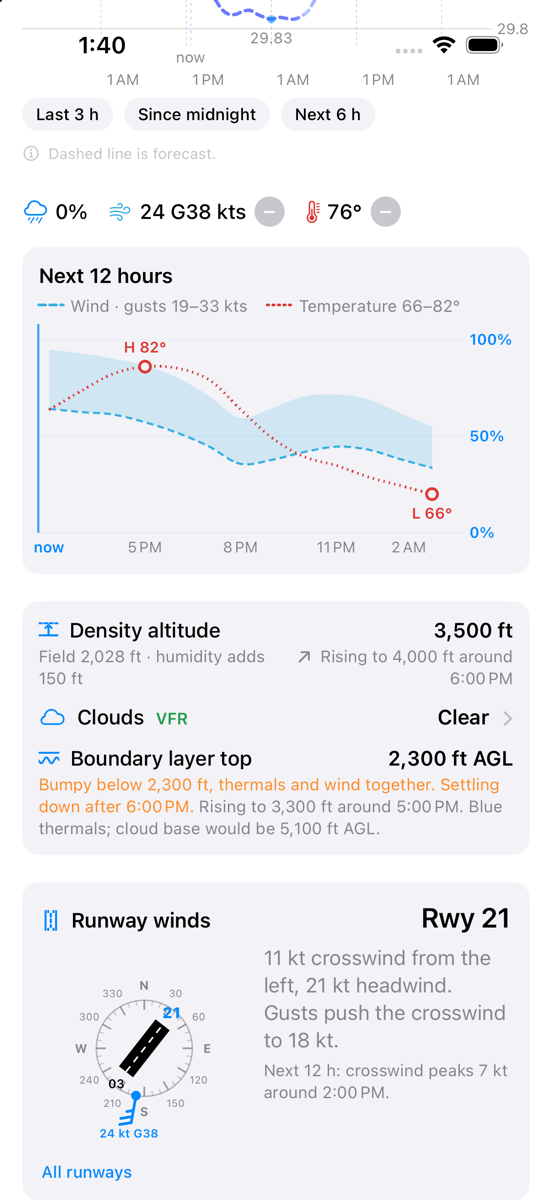
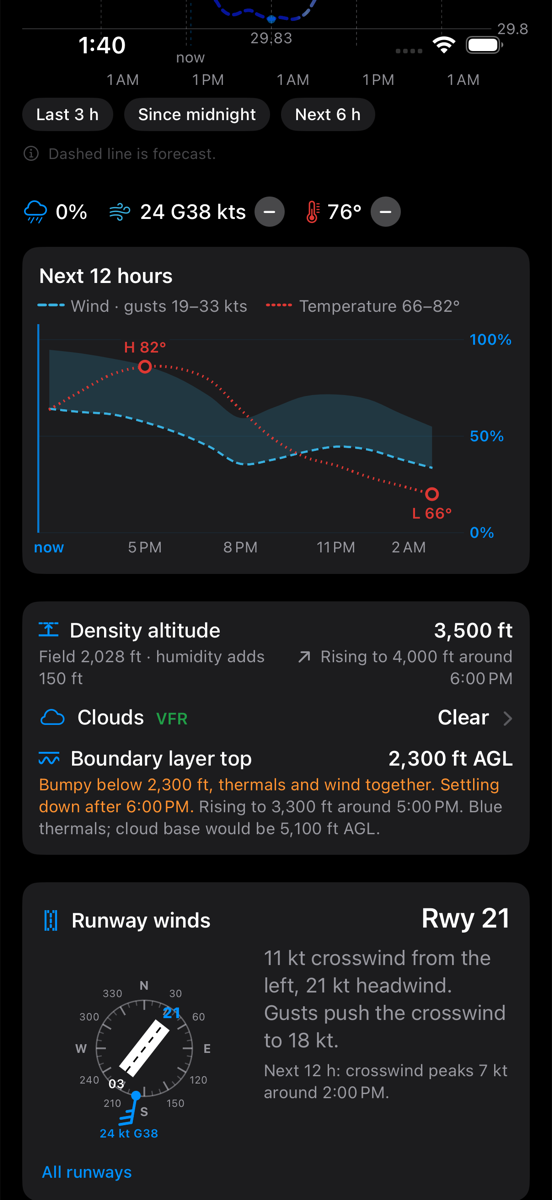
Barry works the latest wind report out for every runway at your field and picks the one the wind favors, with its headwind, its crosswind and what the gusts add. It looks twelve hours ahead too, and tells you if the crosswind will pick up or another runway will take over. Density altitude is on the same page, for now and later in the day.
All the weather is from NOAA: the Aviation Weather Center, the HRRR and NBM models, MRMS radar and the GOES lightning mappers. No ads, no account to make, and Barry doesn't track you.
Barry is for situational awareness. Get a briefing before you fly.